




'/%3E%3C/svg%3E)
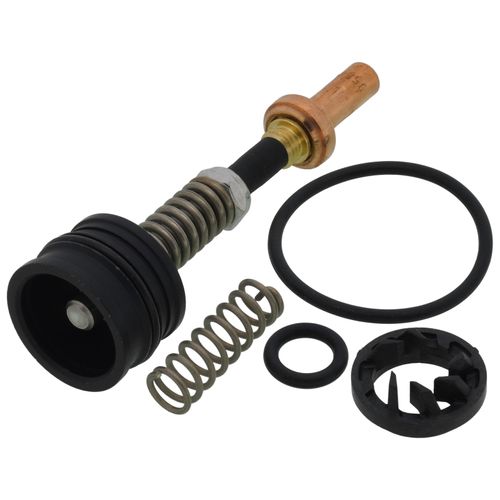
Mixing Valve Repair Kit, For AMX Series Valves, 90-130F
 --%3E %3Csvg version='1.1' id='No-RB' xmlns='http://www.w3.org/2000/svg' xmlns:xlink='http://www.w3.org/1999/xlink' x='0px' y='0px' viewBox='0 0 100 100' enable-background='new 0 0 100 100' xml:space='preserve'%3E %3Cpath fill='%23CECECE' d='M79.44,0.95H20.56C9.78,0.95,0.95,9.78,0.95,20.56v58.87c0,10.79,8.82,19.61,19.61,19.61h58.87 c10.79,0,19.61-8.83,19.61-19.61V20.56C99.05,9.78,90.22,0.95,79.44,0.95z M65.38,58.24l9.38,29.58L49.69,69.78L24.5,87.82 l9.34-29.6L8.8,39.6l30.73-0.17c0,0,6.98-19.61,10-28.93c0.54,1.36,9.88,29.1,9.88,29.1H91.2L65.38,58.24z'/%3E %3C/svg%3E)


MANUALS (2)
Product Highlights


Description
Specifications
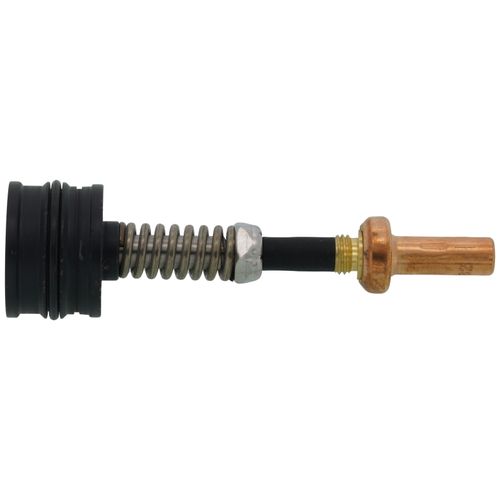
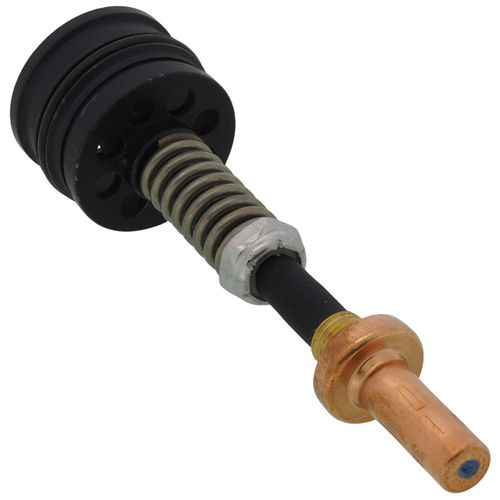
- Description: AMX element, spring, plug assembly( Does not fit AM-1 Series)
- Connection Type: Union NPT
- Pipe Size (inch): 1"
- Operating Temperature Range (F): 90 F to 130 F
- includes: Replacement element, spring, o-ring
Specs
| Max Temp (F): | 130°F |
|---|---|
| Temperature Range (F): | 90°F - 130°F |
| Application: | Replacement Part |
| Used With: | AMX100-AMX102 Series Valves |


Questions?
Product Reviews
Be the first to write a review.
Product Q&A
1 QuestionQ: I do not see an installation guide. Really want to make sure I can handle the repair, before purchasing.
Asked by tom 3 years ago
Add your answer
Verified Reply- SupplyHouse StaffHi Tom, thanks for writing in. 1. Read the instructions that come with the repair kit before beginning installation. 2. Turn off the power to the Honeywell unit before beginning installation. 3. Remove the cover of the Honeywell unit and locate the defective part that needs to be replaced. 4. Disconnect any wires connected to the defective part and remove it from the unit. 5. Install the new part included in the repair kit, making sure to connect any wires that were disconnected from the old part. 6. Replace any other parts that may have been damaged during removal of the defective part, if necessary. 7. Reattach the cover of the Honeywell unit and turn on power to test for proper operation of all components in the system.